

BlogFlyer: The Missing Note Scheduler for Substack
Write in batches. Schedule ahead. Auto-publish while you sleep.

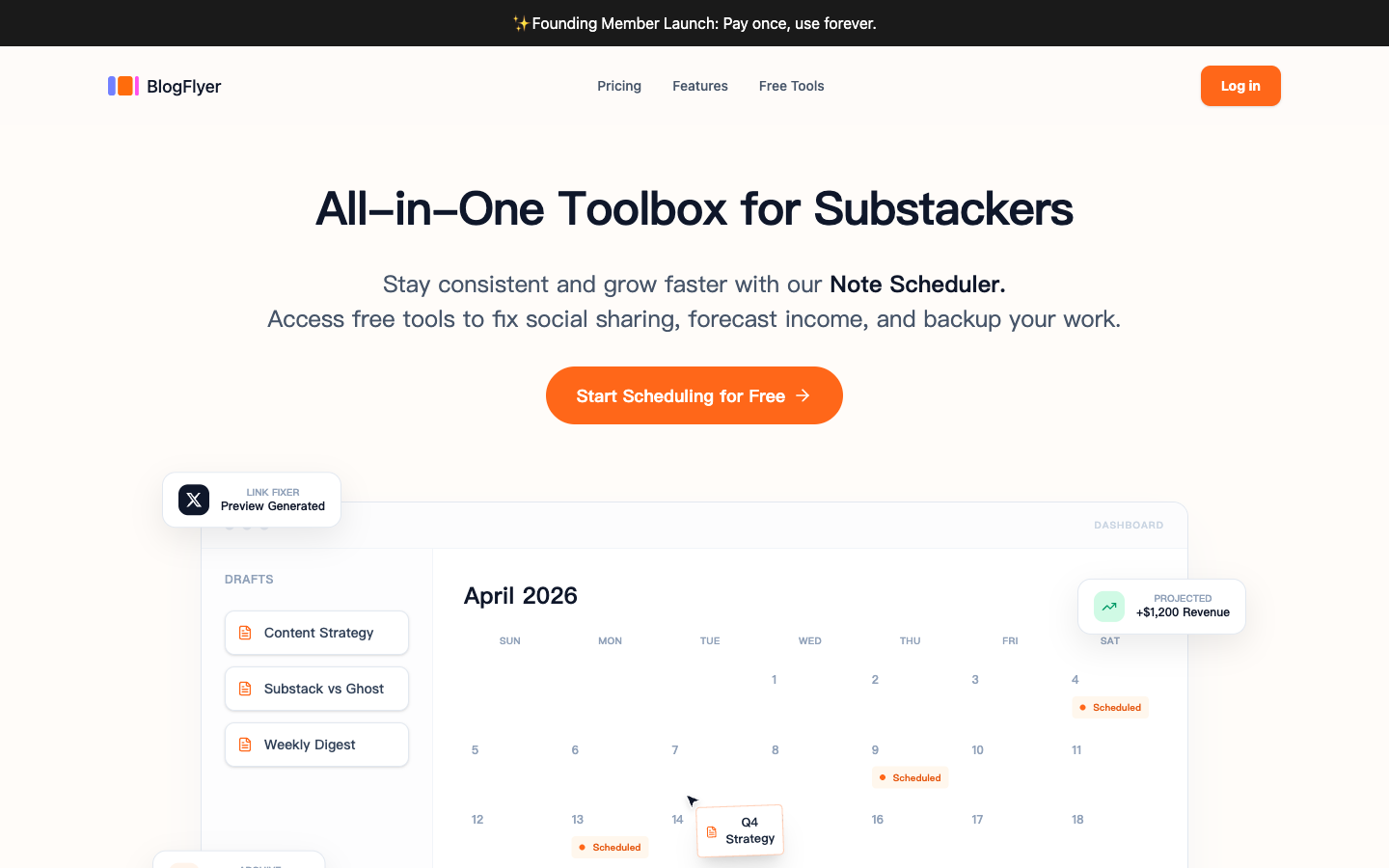
The Gap in Substack's Toolbox
You sat down on Sunday and wrote five great Notes. Timely takes, thoughtful threads, a spicy hot take you’ve been saving. Now what?
You can’t schedule them. Substack lets you schedule long-form posts — but Notes? There’s no schedule button. At all.
Your only option: set an alarm, open Substack, manually hit publish, and repeat five times throughout the week. Miss the window? Your Note goes out at 2 AM when nobody’s reading.
This is the reality for every Substack creator using Notes. You either publish everything at once (and flood your subscribers), or you become a human scheduler — tied to your phone at posting time.
We built BlogFlyer because we got tired of this. It’s a Notes scheduler for Substack — write whenever you want, publish whenever you choose, automatically.
How It Works
First: Set Your Rhythm
Before you start writing, set up your publishing schedule. It lets you define recurring Time Slots — specific days and times when you want Notes to go out. Pick a preset or customize your own:
Workday Focus — Mon-Fri intensive, lighter weekends
Weekend Blast — Light weekdays, heavy weekends
Daily Focus — Evenly distributed every day
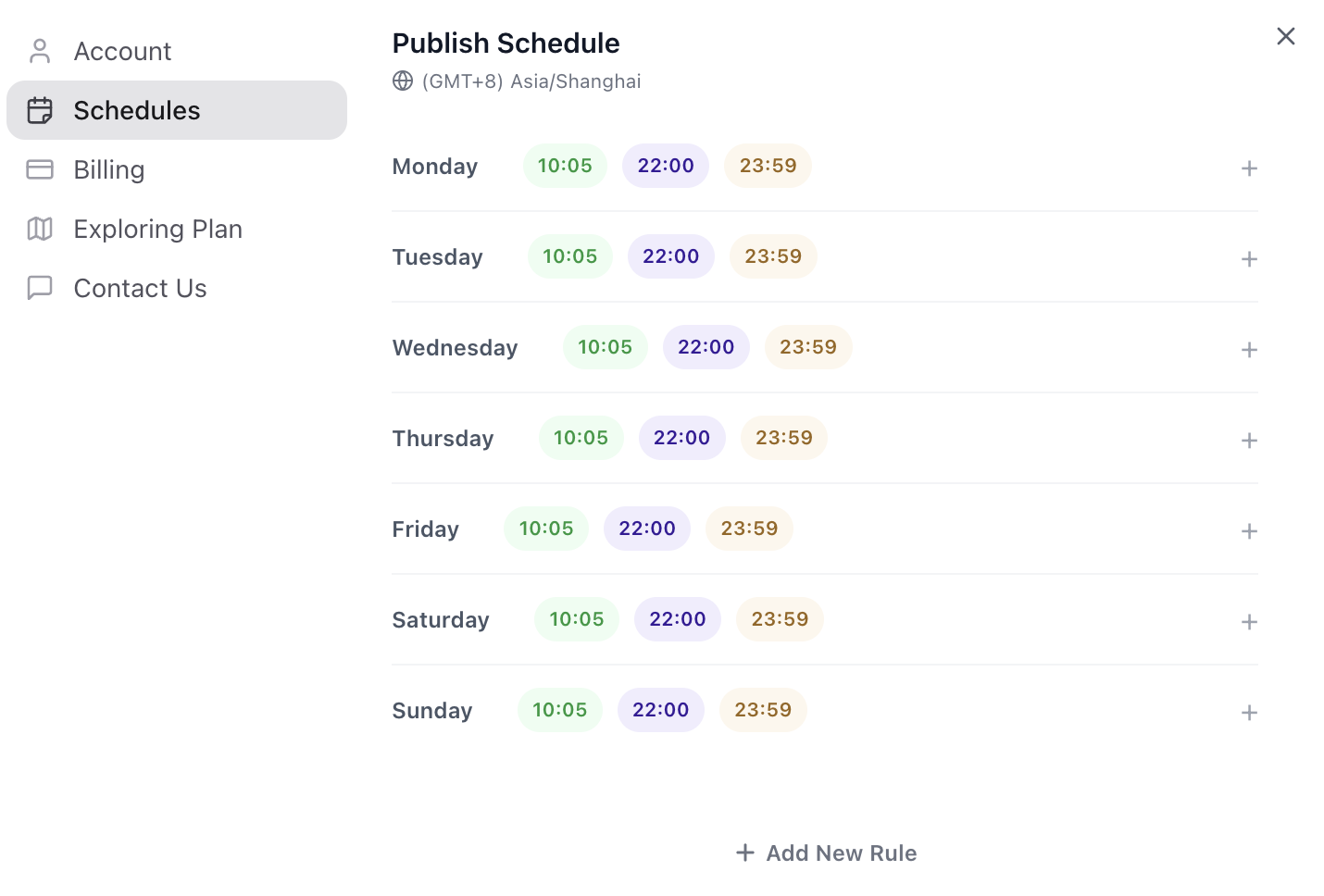
Once set, the Studio sidebar shows your next 14 days at a glance — every slot, filled or empty. You can immediately see where you have content planned and where the gaps are.
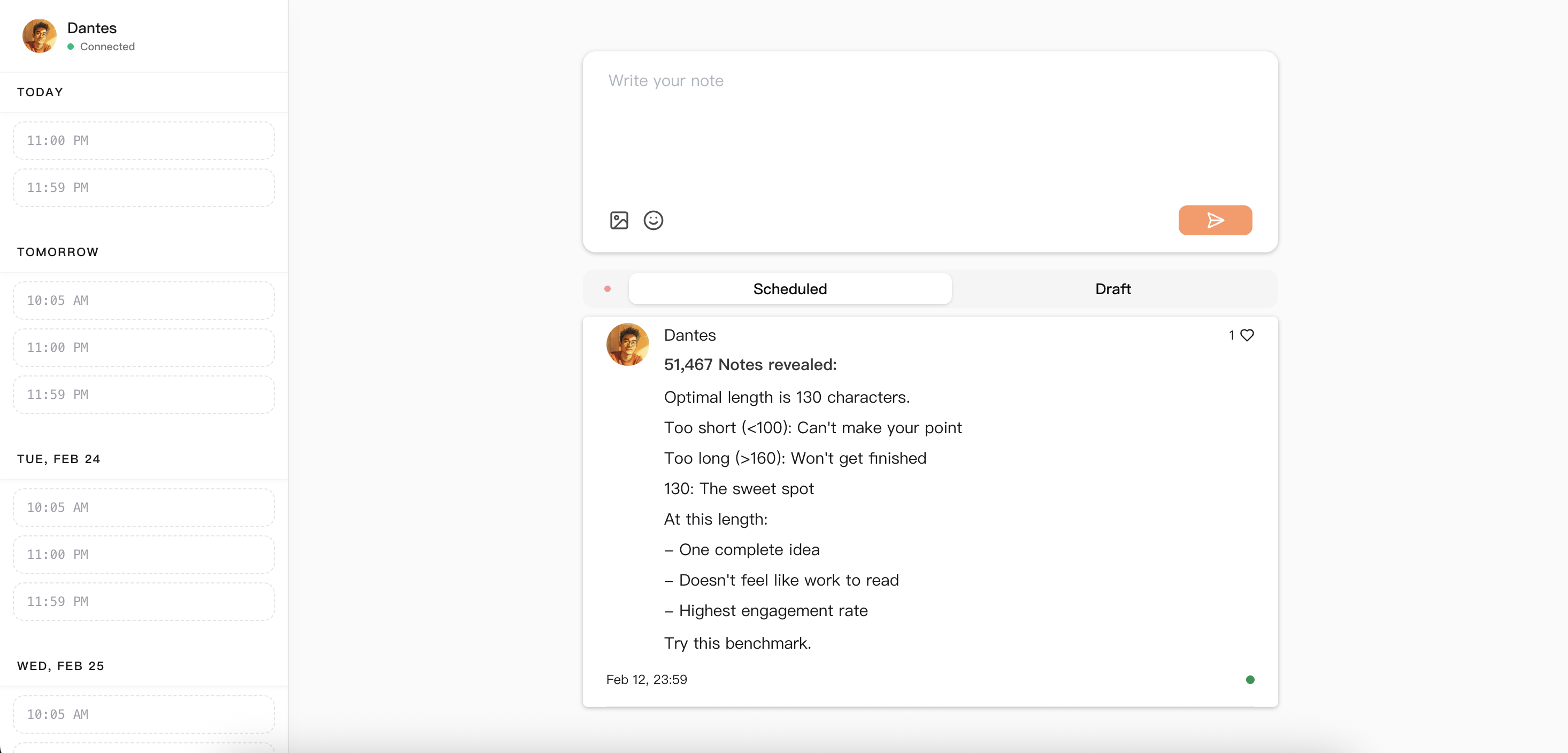
Step 1: Write Your Note
The Studio gives you a full rich text editor — currently supporting bold, italic, and images. Links, @mentions, YouTube embeds, and more are coming soon. Our goal is a fully WYSIWYG experience that matches Substack exactly.
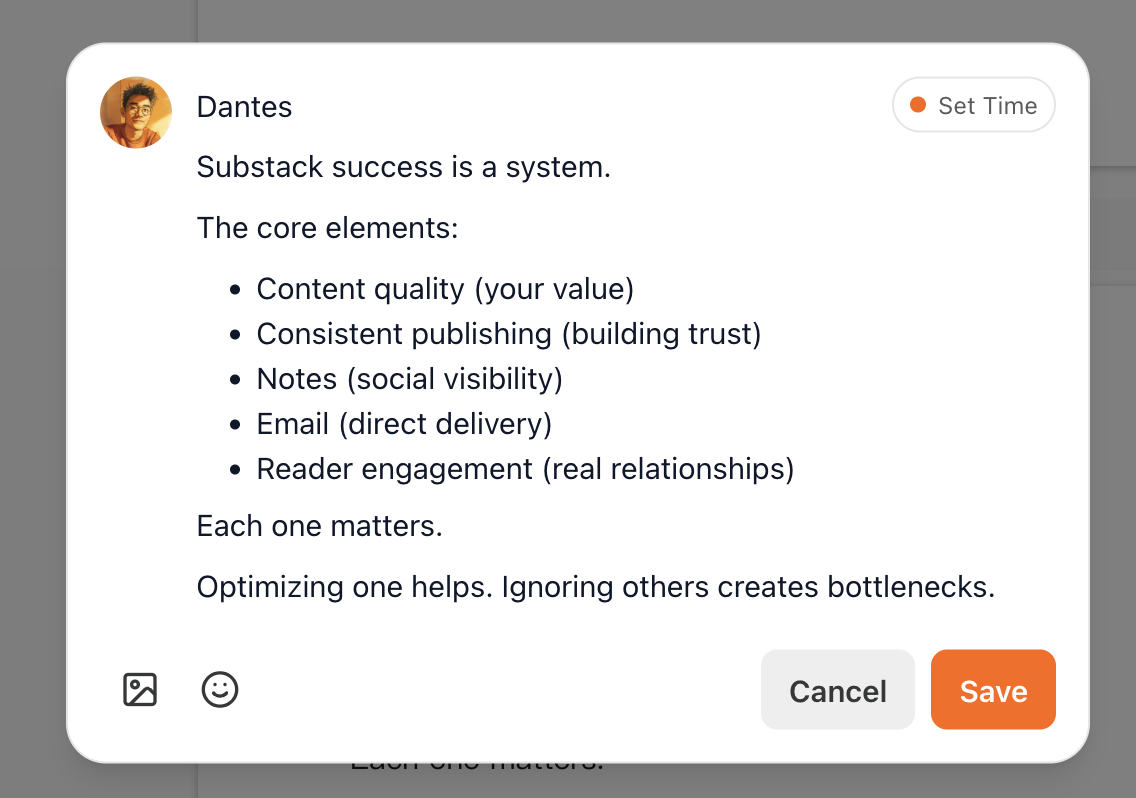
Step 2: Pick Your Time
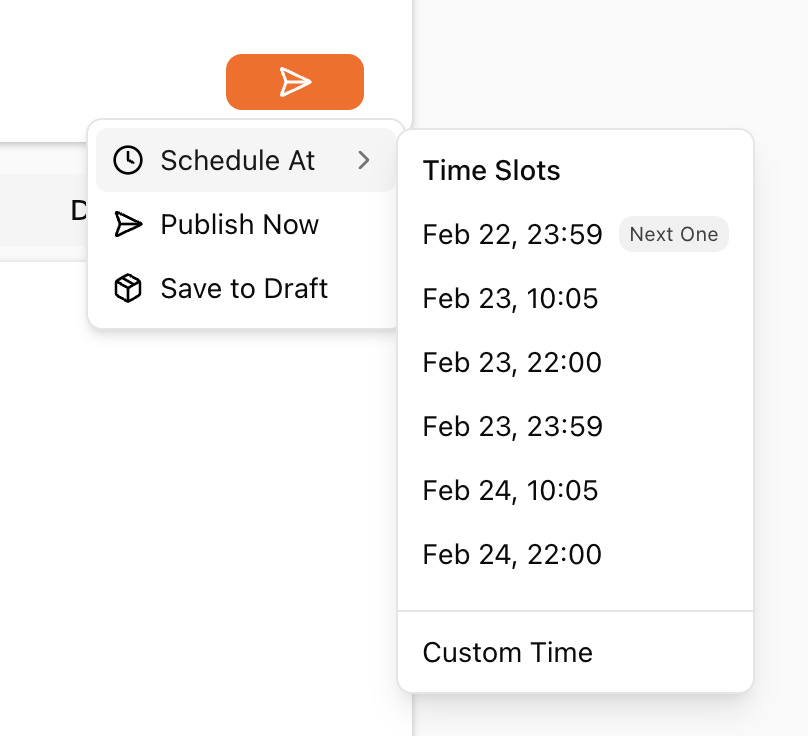
Hit the send button and choose:
Schedule At — pick from your next available Time Slots or choose a custom date and time
Publish Now — send it immediately
Save to Draft — park it for later
One click and you’re done.
Step 3: Walk Away
That’s it. BlogFlyer’s Chrome Extension handles the rest — when the scheduled time arrives, it auto-publishes your Note directly to Substack.
Why a Chrome Extension? Substack doesn’t offer a public API for Notes. The extension is the bridge between BlogFlyer and your Substack account — it’s what makes auto-publishing possible. You don’t need to keep any tab open. Just keep your browser running in the background.
And if something goes wrong? BlogFlyer catches failed publishes and lets you retry with one click. Nothing gets silently lost.
Built Specifically for Substack
BlogFlyer isn’t a generic social media scheduler. It does one thing — Notes scheduling for Substack — and it does it well:
Available now:
Bold, italic, and rich text formatting
Image uploads (even HEIC from your iPhone — auto-converted)
Coming soon:
Video uploads
Inline links
Quote other Substack posts
We're building toward full parity with Substack's own editor — what you compose in BlogFlyer is what your readers see on Substack.
Getting Started Takes 2 Minutes
Install the Chrome Extension — one click from the Chrome Web Store
Link your Substack — the Extension detects your login automatically
Set your timezone and rhythm — pick a preset or customize
That’s your onboarding. You’re in the Studio, writing and scheduling, in under two minutes.
Pricing
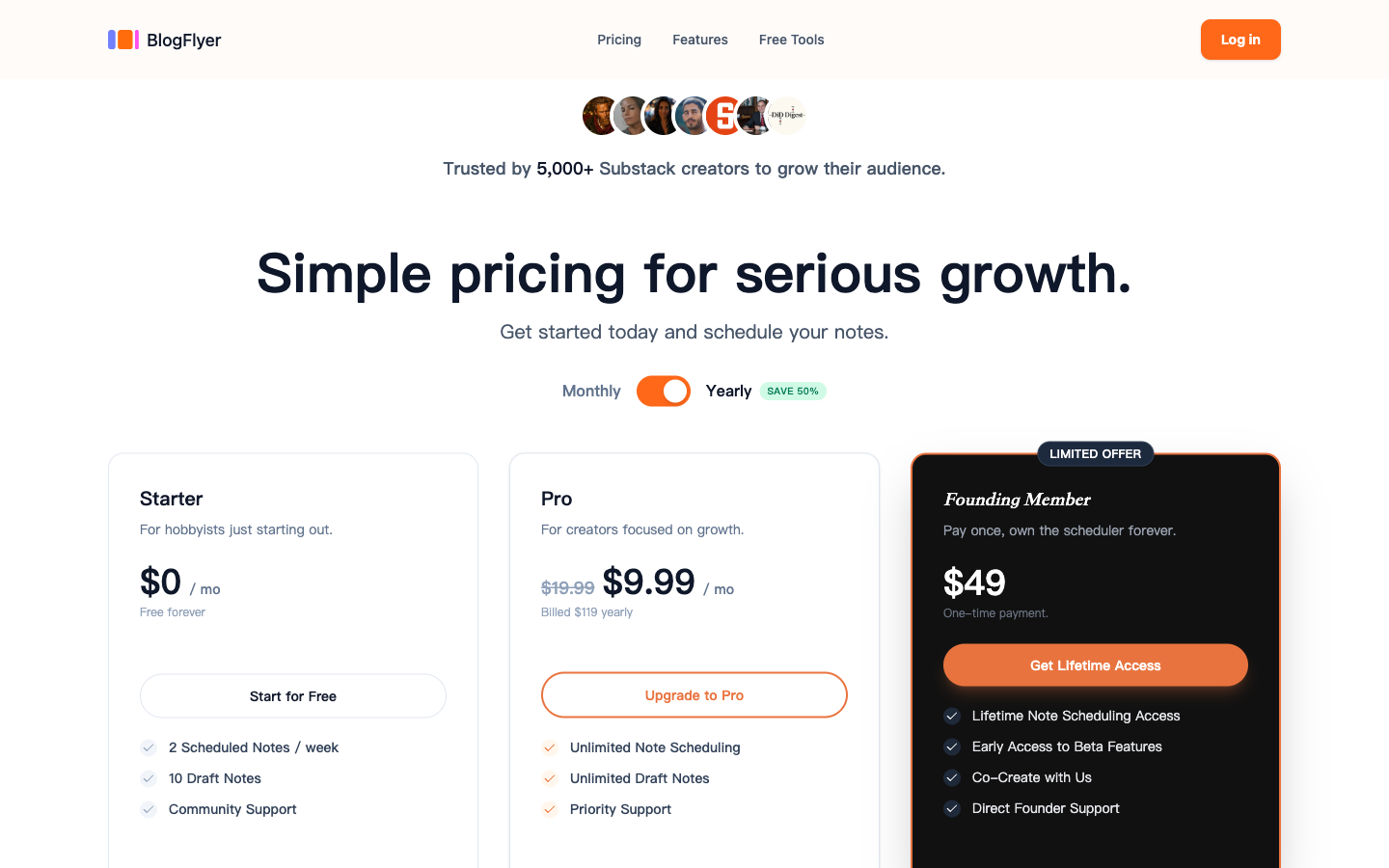
We believe every Substack creator should be able to schedule Notes. That’s why the free tier is real — not a 7-day trial that disappears.
Starter — Free
15 scheduled Notes per week, up to 30 drafts
Pro — $9.99/mo
Unlimited scheduling, unlimited drafts
Founding Member — $49 one-time (Lifetime)
Unlimited everything, early beta features, direct founder access
The Founding Member deal is our early adopter thank-you — lifetime access for a one-time payment. It won’t be around forever.
We Use It Every Day
BlogFlyer launched two weeks ago and already has 100+ registered users. I’ve personally used it to schedule and publish 23 Notes — the kind of consistent output that would have been impossible if I had to hit “publish” manually every time.
If you’re a Substack creator who wishes Notes had a schedule button, give BlogFlyer a try.
One More Thing
We’re building something new: Note Inspiration — a way to discover high-performing Notes on Substack, learn what works, and draft your own version right inside BlogFlyer.
Think of it as a research tool meets writing assistant for Notes. It’s just the first of several features we’re building on top of the scheduler.
Coming soon. If you want early access, let us know →